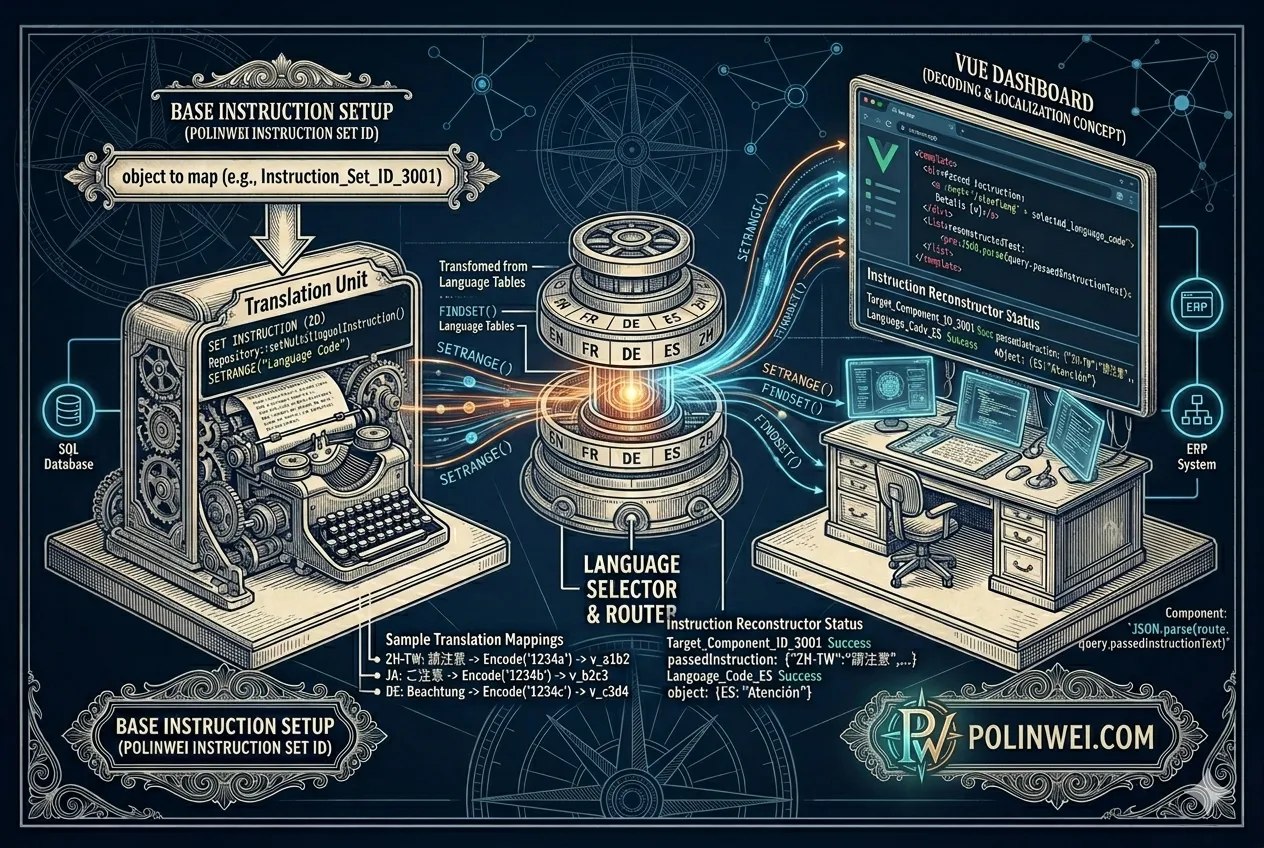

在 Dynamics 365 Business Central (BC) 中,如果你希望 Table 的欄位(Field)同時支援中英文說明(例如顯示給不同語系的使用者),可以透過 Caption 屬性(Caption Property) 搭配 多語系翻譯檔案(.xlf) 來達成。
以下是詳細設定方式
一、在 Table 中設定欄位的 Caption
在 AL 程式中,你可以先在欄位上設定 Caption,這是預設語系(通常是英文)。
table 50100 "Customer Extra Info"
{
    Caption = 'Customer Extra Information';

    fields
    {
        field(1; "Customer ID"; Code[20])
        {
            Caption = 'Customer ID'; // 預設英文
        }
        field(2; "Customer Name (Local)"; Text[100])
        {
            Caption = 'Customer Name (Local)'; // 預設英文
        }
        field(3; "Contact Phone"; Text[30])
        {
            Caption = 'Contact Phone'; // 預設英文
        }
    }
}
二、產生多語系翻譯檔(XLIFF)
- 在 VS Code 中,打開 app.json,確認有設定 “features”: [ “TranslationFile” ],例如:
{
    "id": "e6c9c0b5-8b93-4c74-ae2a-4d511d7b75bb",
    "name": "MyExtension",
    "publisher": "YourName",
    "version": "1.0.0.0",
    "platform": "26.0.0.0",
    "application": "26.0.0.0",
    "features": [ "TranslationFile" ]
}2. 執行命令:
在 Visual Studio Code 按下列的按鍵組合,系統會產生語系翻譯檔(XLIFF)
Ctrl+Shift+Brun the build command (Ctrl+Shift+B) in Visual Studio Code, a \Translations folder is generated and populated with the .xlf file that contains all the labels, label properties, and report labels that you’re using in the extension. The generated .xlf file can now be translated.
系統會在你的專案根目錄下的 Translations 資料夾中,生成翻譯檔:
專案名.xlf //例如: MS.BasicExercises.g.xlf3. 你可以複製一份翻譯檔,命名為 .zh-TW.xlf 的中文檔案:
專案名.zh-TW.xlf //例如: MS.BasicExercises.zh-TW.xlf三、在 zh-TW.xlf 檔案中加入中文翻譯
打開 zh-TW.xlf,在 <target> 區段填上中文翻譯。
範例:
<trans-unit id="Table 50100 - Field 1 - Caption" datatype="plaintext">
    <source>Customer ID</source>
    <target>客戶代號</target>
</trans-unit>

<trans-unit id="Table 50100 - Field 2 - Caption" datatype="plaintext">
    <source>Customer Name (Local)</source>
    <target>客戶名稱(本地)</target>
</trans-unit>

<trans-unit id="Table 50100 - Field 3 - Caption" datatype="plaintext">
    <source>Contact Phone</source>
    <target>聯絡電話</target>
</trans-unit>四、部署後效果
如果使用者的 UI 語言是英文 (en-US),系統會顯示 Customer ID。
如果使用者切換為 繁體中文 (zh-TW),則會顯示 客戶代號。
補充:常用多語屬性
除了 Caption 外,以下屬性也支援多語系翻譯:
| 屬性名稱 | 說明 |
|---|---|
Caption | 顯示名稱 |
Tooltip | 滑鼠提示文字 |
InstructionalText | 額外說明文字 |
OptionCaption | 選項文字(用於 Option 欄位) |
範例:
field(10; "Status"; Option)
{
    OptionMembers = Pending, Approved, Rejected;
    OptionCaption = 'Pending,Approved,Rejected'; // 預設英文
    Tooltip = 'Indicates the current approval status of the record.';
}在 zh-TW.xlf 中可翻譯為:
<trans-unit id="Table 50100 - Field 10 - OptionCaption" datatype="plaintext">
    <source>Pending,Approved,Rejected</source>
    <target>待審核,已核准,已拒絕</target>
</trans-unit>以上就是Business Central (BC) 在 AL Language 對於多國語系的處理方法。