
安裝
建立基本資料表報表 (SSRS 教學課程)
注意
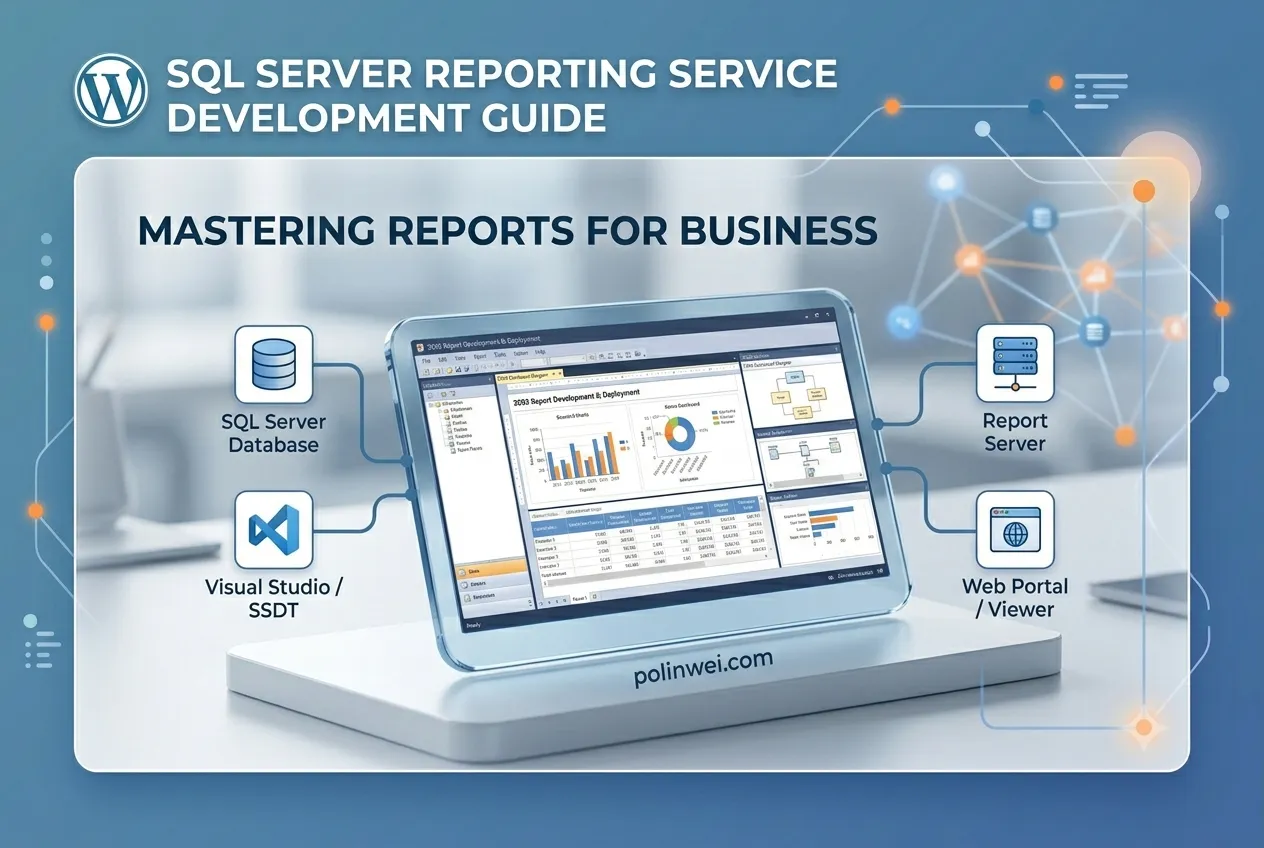
SQL Server Data Tools (SSDT) 是建立商業智慧解決方案的 Microsoft Visual Studio 環境。 SSDT 具有 報表設計師 撰寫環境。 在此環境中,您可以開啟、修改、預覽、儲存及部署 Reporting Services 編頁報表定義。 您也可以使用和修改共享資料源、共用資料集和報表元件。
自 SQL Server Reporting Services 2019 之後,SQL Server Reporting Services 所有版本的報表組件皆已退場。 從 SQL Server Reporting Services 2022 和 Power BI 報表伺服器 開始,不再支援報表元件。
- 步驟 1:建立報表伺服器專案 (Reporting Services)
- 步驟 2:指定連線資訊 (Reporting Services)
- 步驟 3:定義資料表報表的資料集 (Reporting Services)
- 步驟 4:將資料表新增至報表 (Reporting Services)
- 步驟 5:格式化報表 (Reporting Services)
- 步驟 6:新增群組和總計 (Reporting Services)
- Reporting Services 教學課程