
基本要件
利用 XAMPP 中 Apache 建置 SSL 憑證,需要有幾個檔案
- xampp\apache\bin\openssl.exe
- xampp\apache\conf\openssl.cnf
- cert.conf
- make-cert.bat
第 1,2 項使用原有的檔案即可,第3,4個檔則自已建立在 xampp\apache\cert 目錄裡,內容分別如下。
步驟一:並建立 cert.conf 檔案
建立 xampp\apache\cert 目錄,並建立 cert.conf 檔案
//cert.conf
[ req ]

default_bits        = 2048
default_keyfile     = server-key.pem
distinguished_name  = subject
req_extensions      = req_ext
x509_extensions     = x509_ext
string_mask         = utf8only

[ subject ]

countryName                 = Country Name (2 letter code)
countryName_default         = TW

stateOrProvinceName         = State or Province Name (full name)
stateOrProvinceName_default = Taiwan

localityName                = Locality Name (eg, city)
localityName_default        = Taipei

organizationName            = Organization Name (eg, company)
organizationName_default    = Personal Reserach

commonName                  = Common Name (e.g. server FQDN or YOUR name)
commonName_default          = localhost

emailAddress                = Email Address
emailAddress_default        = [email protected]

[ x509_ext ]

subjectKeyIdentifier   = hash
authorityKeyIdentifier = keyid,issuer

basicConstraints       = CA:FALSE
keyUsage               = digitalSignature, keyEncipherment
subjectAltName         = @alternate_names
nsComment              = "OpenSSL Generated Certificate"

[ req_ext ]

subjectKeyIdentifier = hash

basicConstraints     = CA:FALSE
keyUsage             = digitalSignature, keyEncipherment
subjectAltName       = @alternate_names
nsComment            = "OpenSSL Generated Certificate"

[ alternate_names ]

DNS.1       = localhost
步驟二:建立 make-cert.bat 檔案
建立 xampp\apache\cert 目錄,並建立 make-cert.bat 檔案,內容如下
//make-cert.bat

@echo off
::set /p domain="Enter Domain: "
set domain="localhost"
set OPENSSL_CONF=../conf/openssl.cnf

if not exist .\%domain% mkdir .\%domain%

..\bin\openssl req -config cert.conf -new -sha256 -newkey rsa:2048 -nodes -keyout %domain%\server.key -x509 -days 3650 -out %domain%\server.crt

echo.
echo -----
echo The certificate was provided.
echo.
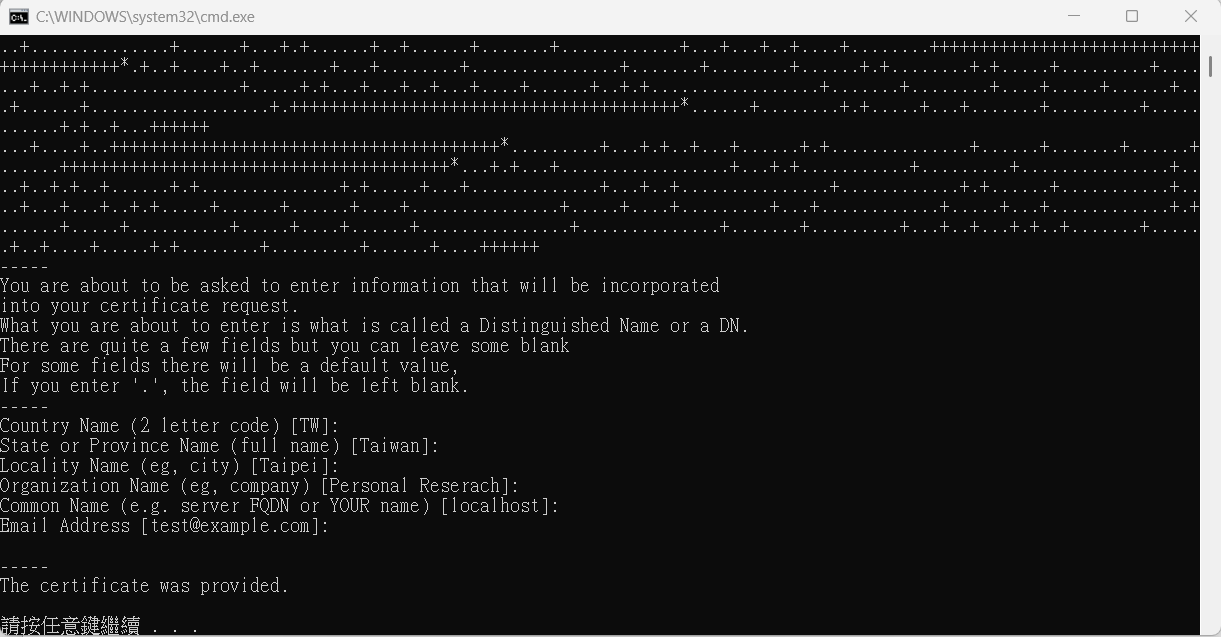
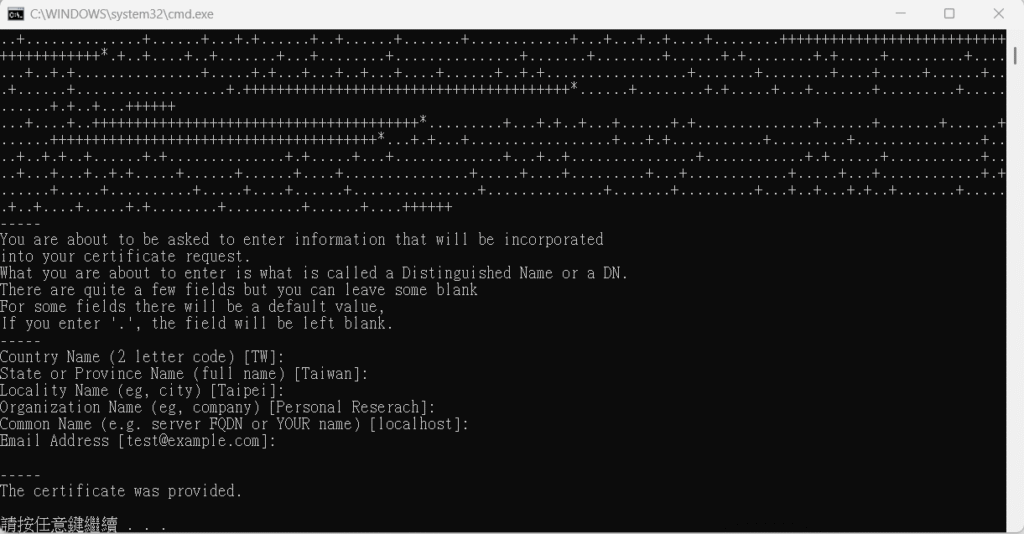
pause步驟三: 執行 make-cert.bat 產生 SSL 憑證
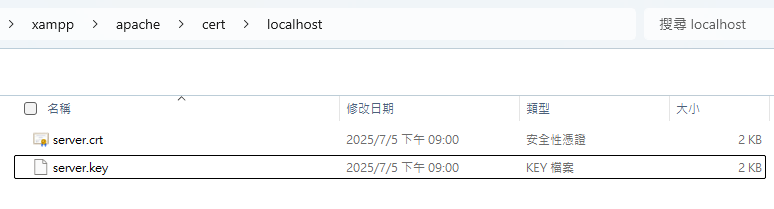
這樣就可以得到兩個檔案: server.crt & server.key
步驟四: 在 httpd-vhosts.conf 設置 SSL
在 apache 的 xampp\apache\conf\extra 目錄中,在 httpd-vhosts.conf 設置憑證資訊
//httpd-vhosts.conf

## localhost
<VirtualHost *:80>
    ServerAdmin [email protected]
    DocumentRoot "W:/xampp/htdocs"
    ServerName localhost
    ErrorLog "logs/dummy-localhost-error.log"
    CustomLog "logs/dummy-localhost-access.log" common
</VirtualHost>

<VirtualHost *:443>
	DocumentRoot "W:/xampp/htdocs"
	ServerName localhost
	ServerAlias *.localhost
	SSLEngine on
	SSLCertificateFile "cert/localhost/server.crt"
	SSLCertificateKeyFile "cert/localhost/server.key"
</VirtualHost>
重啟 XAMPP 即可使用憑證了。